Nothing goes unowned
Every enquiry resolves to one employee, with the reason it was chosen. If no one fits, Connect says "unassigned" instead of guessing.
 ConnectBY JBRH

MY EMPLOYEES
Connect gives each business and branch a team of Employees, each disclosed as automated. They answer, follow up and hand over, under the rules you set.
WHAT IT IS
A My Employees is the set of AI employees working for one business. Each has a job, a desk in a branch and the channels it answers for.
WHY IT HELPS
Every enquiry resolves to one employee, with the reason it was chosen. If no one fits, Connect says "unassigned" instead of guessing.
When an owner is paused or off-hours, its fallback takes over. The hand-over is recorded.
Approvals always go to a person. An employee can never approve its own work.
An employee works inside its own business or branch. It never answers for another business.
Pause or disable an employee and its open work is handed on, not left waiting.
Each email, call and message records the employee accountable for it.
A REAL DAY
A customer writes to a branch on WhatsApp after hours. Here is what the workforce does.
The branch's WhatsApp line is owned by its Front Desk employee, so that employee is accountable.
The reply uses only the knowledge the business has approved.
In Review before send, it waits for a person. In Auto within rules, it is sent if no gate applies.
A pricing question is handed to the Sales employee as a recorded hand-over.
A follow-up lands in the queue with a due time, so the thread is not forgotten.
Ask any employee for a status or a review. It answers from the records.
WHERE THEY WORK
Employees answer from your own mailbox, number and WhatsApp line, once each one is connected and verified.
Gmail or any IMAP/SMTP mailbox.
Inbound and outbound calls through your carrier.
Through the WhatsApp Business Platform.
SMS replies, call recording and call transfer depend on your provider and are confirmed during setup.
CONTROLS AND LIMITS
WORKS WITH
QUESTIONS
No. Each one is an AI Digital Employee — an automated representative, not a person, with a name and a job, and it always says so.
Staffing proposes one lead per business or branch and one owner per connected channel. You can add or pause employees after reviewing the plan. Plan limits are on the pricing page.
It hands over to a colleague or escalates to a person. Escalations reach your team through notifications, with the context attached.
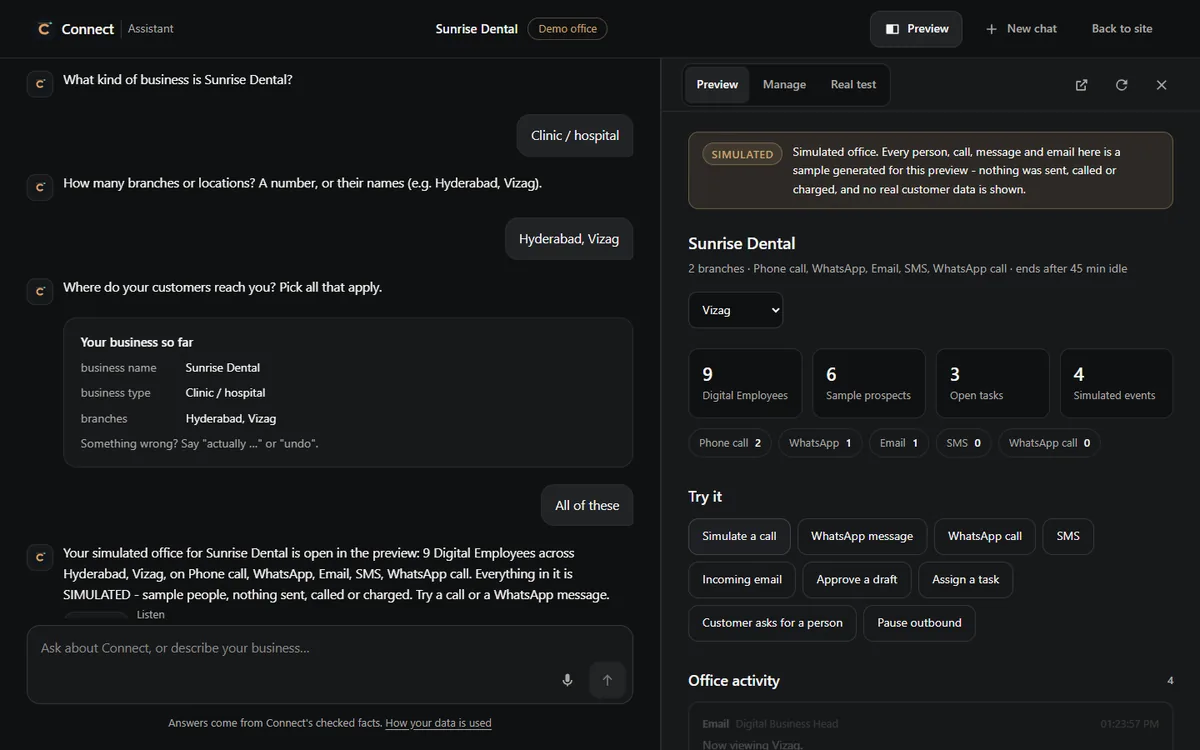
Yes. The Connect Assistant builds a simulated office for your business. Everything in it is labelled Simulated: nothing is sent, called or charged.
NEXT STEP
See a workforce staffed for your business, then decide how far it goes on its own.