
Good leads go quiet.
Next action stays on track.
One Autonomous Cloud Office. Every Global Channel.
Connect gives your business autonomous Employees for Sales, Customer Support, Operations, and Executive Dispatch across Email, Global Phone Calling, WhatsApp, and Web. Zero slop, zero hallucinations — grounded strictly in your verified business records, local compliance, and human approval gates.
AUTONOMOUS MULTICHANNEL WORKFORCE
Natural Voice · WhatsApp Business · Verified Email · Autonomous Revenue Pilot
Native integration with Meta’s WhatsApp Cloud API. Send automated quotes, payment receipts, interactive order confirmations, and multi-lingual voice notes across 150+ countries without third-party aggregator markups.
“Hi team, we need a formal quotation and SLA documentation for our London team before Friday.”
Official GBP quotation attached, SLA policy verified, queued for your one-click approval.
Connect reads incoming emails across multiple business mailboxes, retrieves matching answers from your approved knowledge base, drafts accurate professional replies, and alerts you when your authorization is needed.
Unlike simple chatbots, Connect’s Revenue Pilot runs the complete revenue lifecycle. It discovers qualified businesses, formulates tailored sales playbooks, conducts multi-channel outreach, sends proposals, verifies payments through Stripe/Bank, and guides client onboarding.
Launch Revenue Pilot →Built for different businesses
Every page below describes the same Connect — configured around the channels, rules and follow-through that a business like yours actually needs.
 Distributors & WholesaleQuotes, stock questions and reorders across a long dealer list.Explore
 Franchise NetworksOne brand voice across franchisees who each answer differently.Explore
 Multi-Location BusinessesOne customer across several branches, with one shared history.Explore
 Automotive & DealershipsEnquiries, test drives, service reminders and the years after.Explore
 Freight & LogisticsRate requests, booking questions and status calls, all day.Explore
 Professional ServicesEnquiries and follow-up while everyone is billable.Explore
 Partner & Channel SalesResellers, agents and referrers who go quiet between deals.Explore
Products & services
Connect Cloud Office is a workspace where Employees, each disclosed as automated, handle prospecting, sales conversations, support, payment reminders and bookings across email, phone and WhatsApp. Each has a defined role, its own permissions and a record of everything it does — and you decide what it may do on its own.

Employees
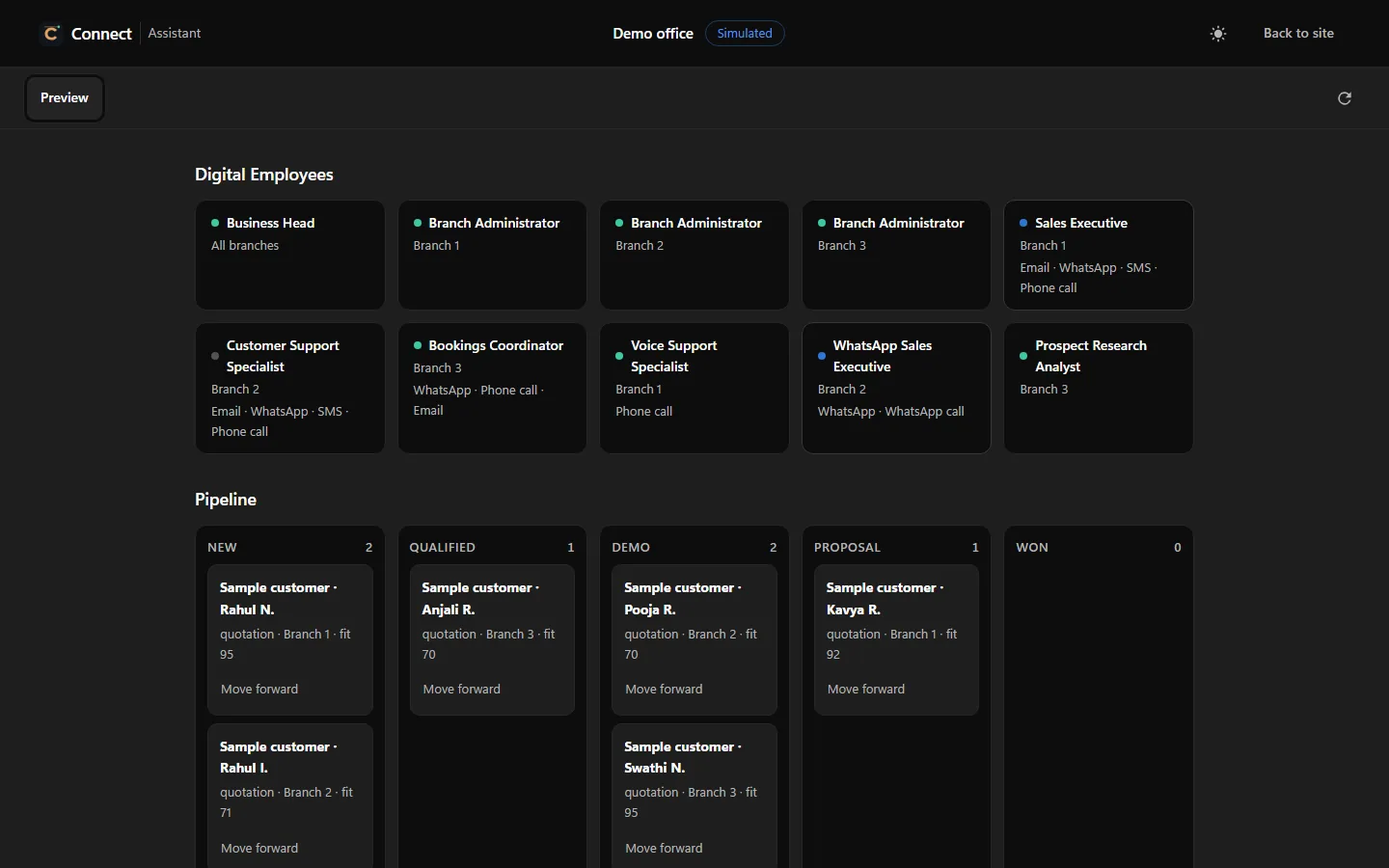
Every Employee has a role, a department, a scope — the whole business or one branch — the channels it works on, what it may do and what it must never do. You hire the roles you need and set how much each may do alone.

Leadership · whole business
Plans and distributes the business’s work, watches the health of every branch and reports to the human owner.
Never: Approve spending or issue refunds.

Leadership · one branch
The branch’s operational lead: assigns work, resolves collisions between colleagues and watches for unanswered channels.
Never: Create owner policy, approve spending or issue refunds.

Sales · email, phone, WhatsApp
Enquiries, qualification, demos and permitted proposals and follow-ups, using only your approved offerings and prices.
Never: Quote a price you have not approved.

Support · email, phone, WhatsApp
Customer care, cases, escalation and follow-up inside your approved knowledge.
Never: Change accounts or billing, or issue refunds.

Billing · email, phone, WhatsApp
Invoices and payment reminders. An invoice is never a payment: nothing is marked paid without verified settlement evidence.
Never: Mark anything paid without evidence.

Operations · email, phone, WhatsApp
Appointments, demo slots and reschedules inside your published hours.
Never: Issue refunds.

Support · its own phone line
Answers support calls on its own dedicated line, opens cases and escalates with the call’s context.
Never: Call anyone without consent.

Sales · WhatsApp
Qualified chats and allowed outreach under Meta’s template, opt-in and 24-hour rules.
Never: Message anyone who has not opted in.

Research · no customer channel
Source-based, permissioned prospect research with provenance. It never fabricates contact data.
Never: Scrape blocked sources or invent contacts.
Also on the team: Voice Sales Executive, WhatsApp Support Specialist, Administration Coordinator, Notifications Officer and an Office Doctor that finds failed work and escalates it with the evidence.
No Employee can ever grant permissions, change its own policy, approve its own work, contact an unverified recipient, reach another business’s records or impersonate a person.
Employees are AI identities, disclosed as automated — not people. Portraits on this page are illustrative.
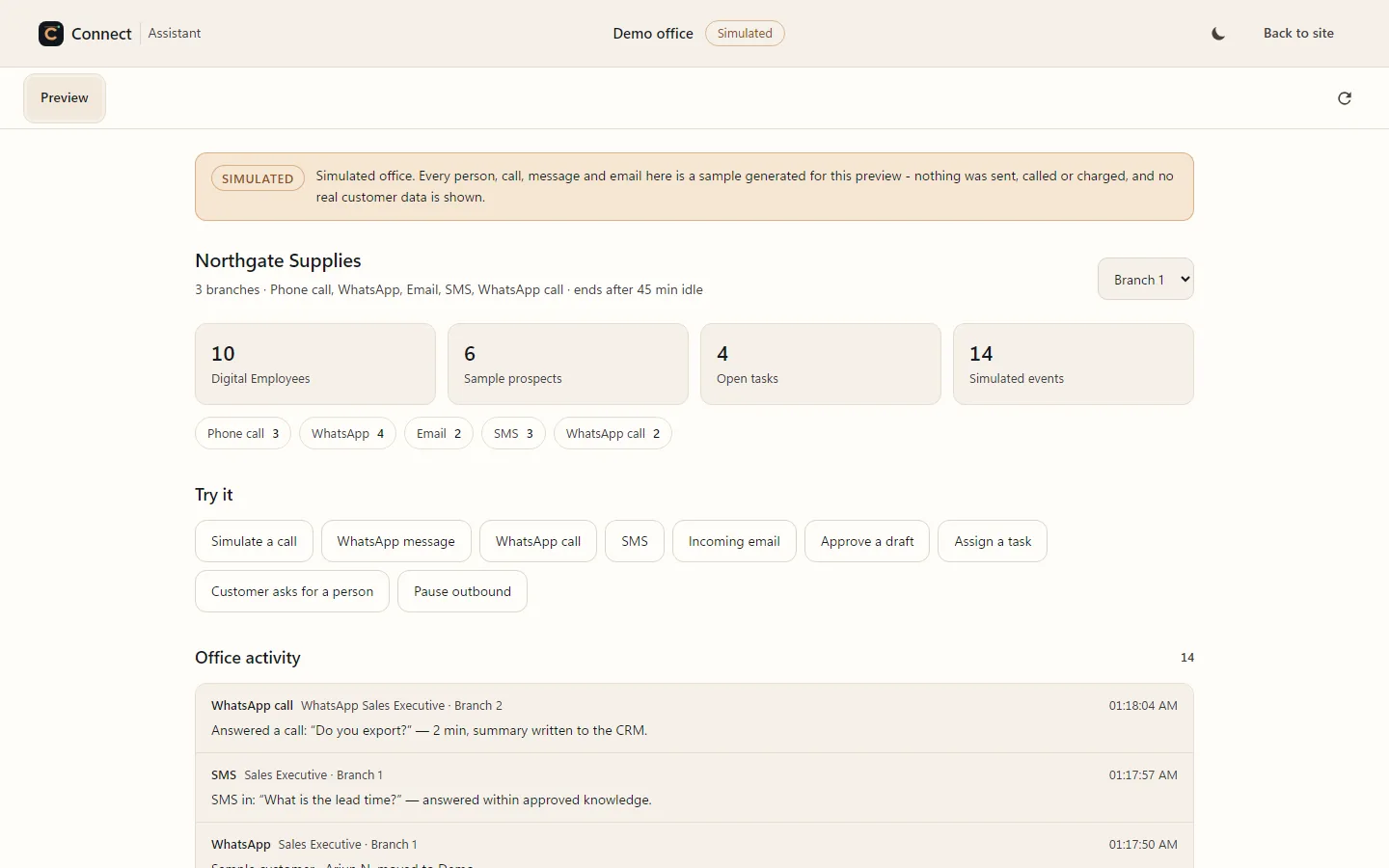
Live Office
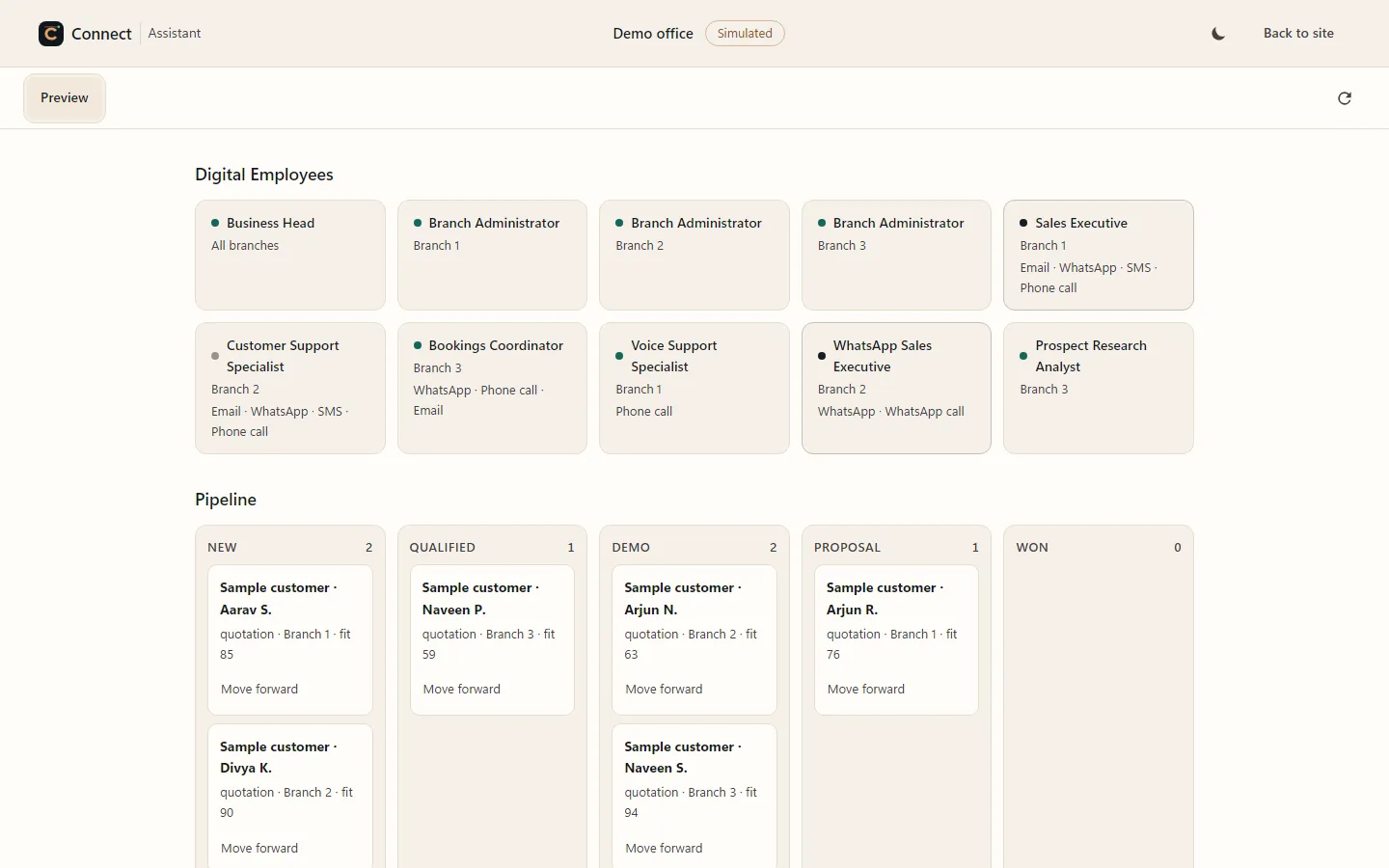
The Live Office shows each Employee at its desk, what it is handling and who it is handing work to. Presence comes from the records: an employee shows as working only while it has work in hand.
Why Connect
An unanswered enquiry. A follow-up left for tomorrow. A customer explaining the same thing twice. When the work is spread across inboxes, phones and people, the relationship pays the price.
Next action stays on track.

One complete relationship history.

Routine handled. You decide.
The same workflow, in your language
Nothing below is a different product. It is the loop above, described in the terms the business actually uses.
Four more are written the same way — franchise networks, multi-location businesses, partner channels and freight. Compare all seven.
The work it does
Three kinds of work most teams never have enough hands for — done inside your rules, recorded on the customer’s history, and brought back to you when a decision needs a person.

Prospect discovery
The Prospect Research Analyst finds and scores companies that fit what you sell, from sources you permit, and records where every fact came from.

Customer support
Support Specialists answer on email, phone and WhatsApp from the knowledge you approve, open cases, follow up, and hand anything outside their authority to you.

Retention & follow-up
Every promise becomes a follow-up with an owner and a date. Renewals, service reminders and check-ins go out on time, in the customer’s channel, within your hours.
Email. Phone. WhatsApp.
A person may email today, call tomorrow and message next week. Connect brings identified contacts and their conversations into the same relationship history.
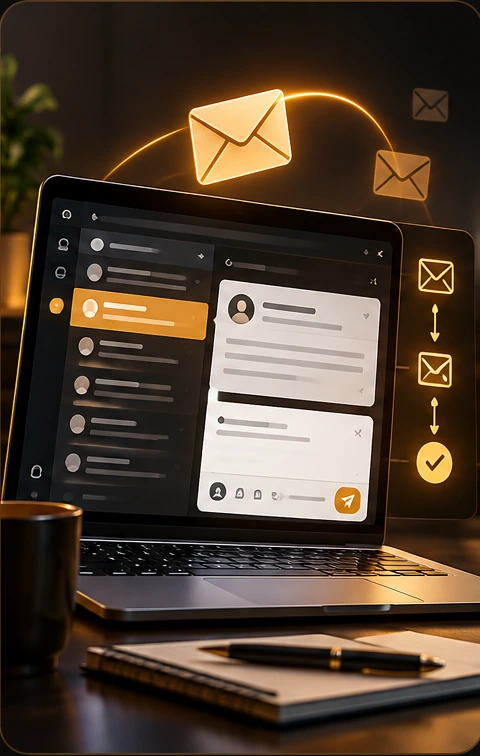
Enquiry, reply and follow-up stay together.
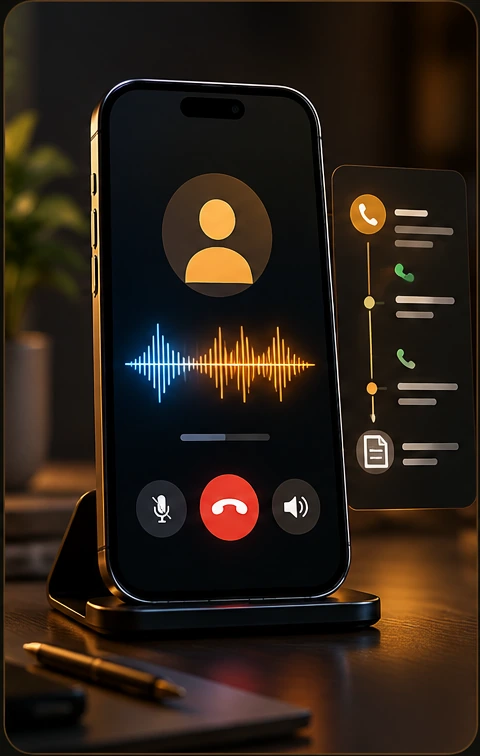
Every call keeps its customer context.
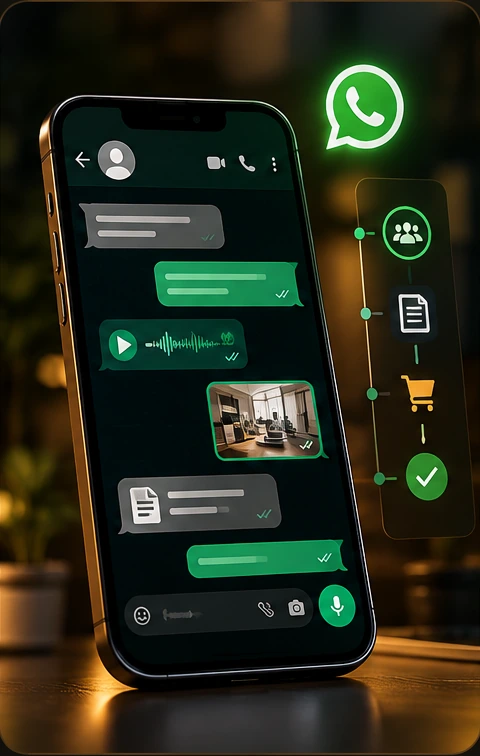
Messages, media and voice stay connected.
Status of every capability, kept current: Capability status
Available workflows depend on your connected accounts, provider setup and plan. Your walkthrough confirms the exact channels and actions for your business, including SMS where configured.

Multi-business & multi-branch
Run more than one business from a single Connect workspace, each with its own branches, team and rules. Every mailbox, number and WhatsApp line is assigned to a business with a purpose, a direction, a priority, an automation level and hours.
Autonomy & collaboration
Employees coordinate through typed messages — assign, request information, share authorised context, hand off, review, escalate, complete — each with a correlation id, a hop limit and a deadline, so nothing loops and nothing is lost.

Draft prepares and you act. Review & Act waits for your approval. Autonomous acts within the rules you wrote. Start cautious and widen permissions as you see the work.
Explore the modes
Decisions outside an employee’s authority go to Needs You with the context. No employee can grant permissions, change its own policy or approve its own work.
See Needs YouYour business is the starting point
Give Connect the knowledge and instructions you approve. It uses them to explain what you offer, answer questions and decide what it is permitted to do.
When a question needs knowledge or authority it does not have, it brings the decision back to you.
The context you give Connect
 Connect
Enterprise AI
Connect does not lock you to one AI provider. Choose the model for each feature, keep sensitive work on a private model, and ground every answer in the knowledge you approve.


Integrations · MCP · API · CRM · ERP
Give an Employee a connection and it can use it — and only its own. Each connection is tested for real when you add it (an MCP handshake, an API call, a webhook test), and its credentials are encrypted at rest.
ERP and in-house systems connect through a REST API or your own MCP server. Two-way ERP and CRM sync is scoped in Enterprise.
For developers: Connect’s own MCP server, a public OpenAPI description, an A2A agent card and llms.txt. Read the docs


Security, privacy & evidence
Is this for your business?
Where to start
Every day of disconnected work adds another conversation to reconstruct, another follow-up to remember and another handoff to explain.
Start with one workflow that needs attention. See how Connect would handle it using your channels, knowledge and approval boundaries.
Connect Your BusinessInteractive · illustrative flows
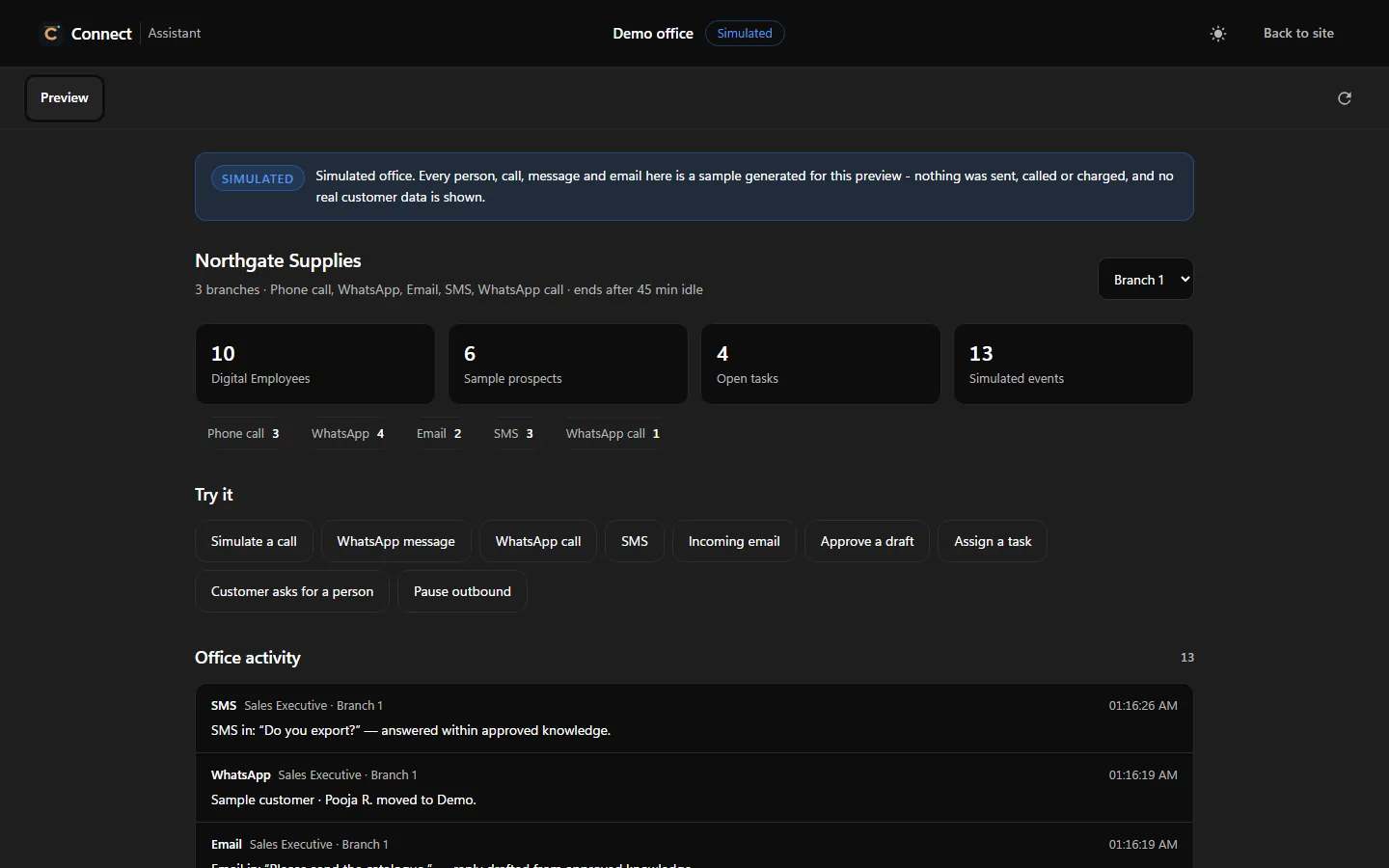
Each flow is an illustration with sample names — not customer data and not measured results. It shows what Connect does with incoming email, a prospect, a conversation that changes channel, and a decision that needs you.
CONNECT
RESEARCH
MEMORY
GATEWAY
From first question to live operations
You can stop at any step. Applying for a demo or an evaluation needs no payment details.

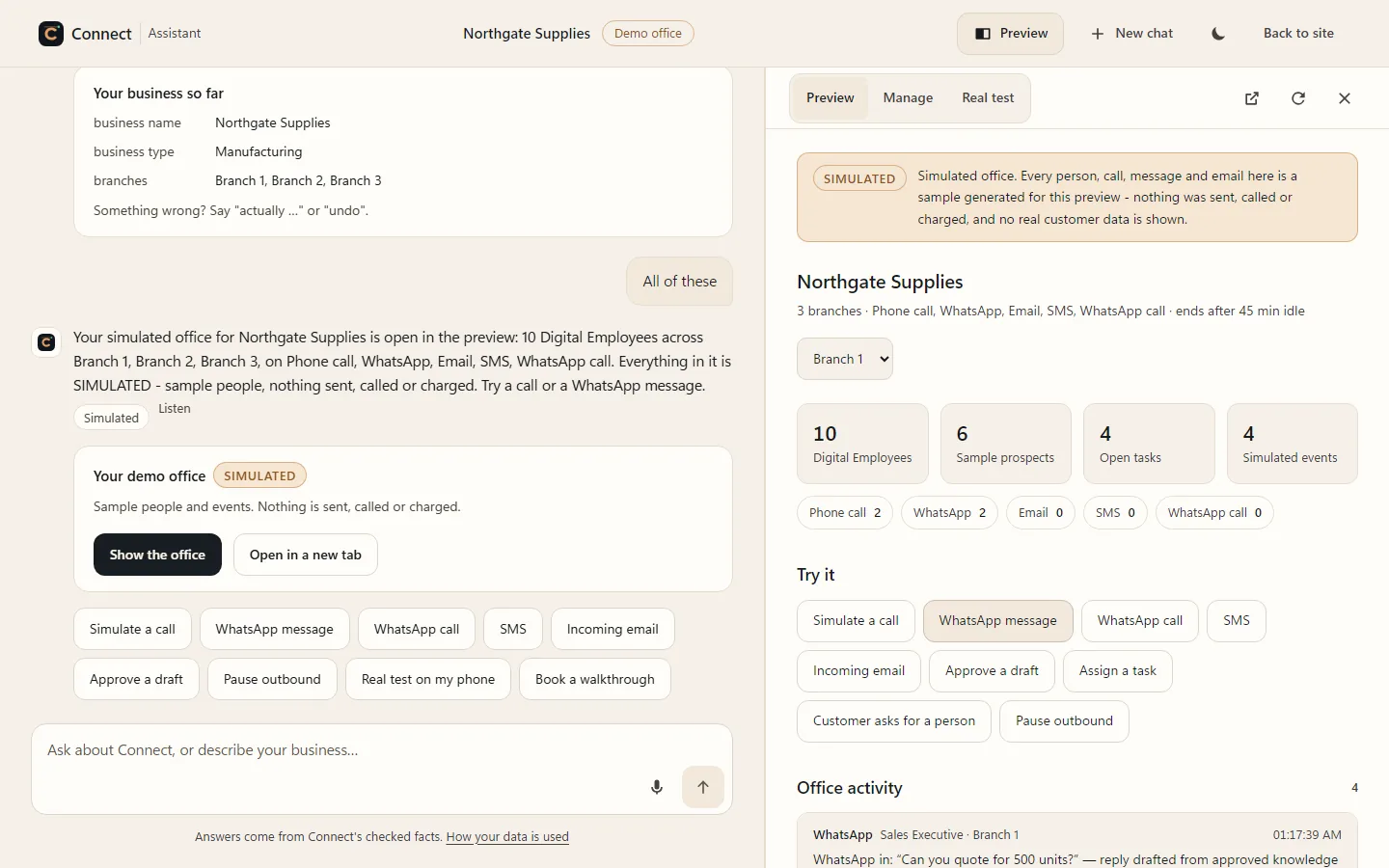

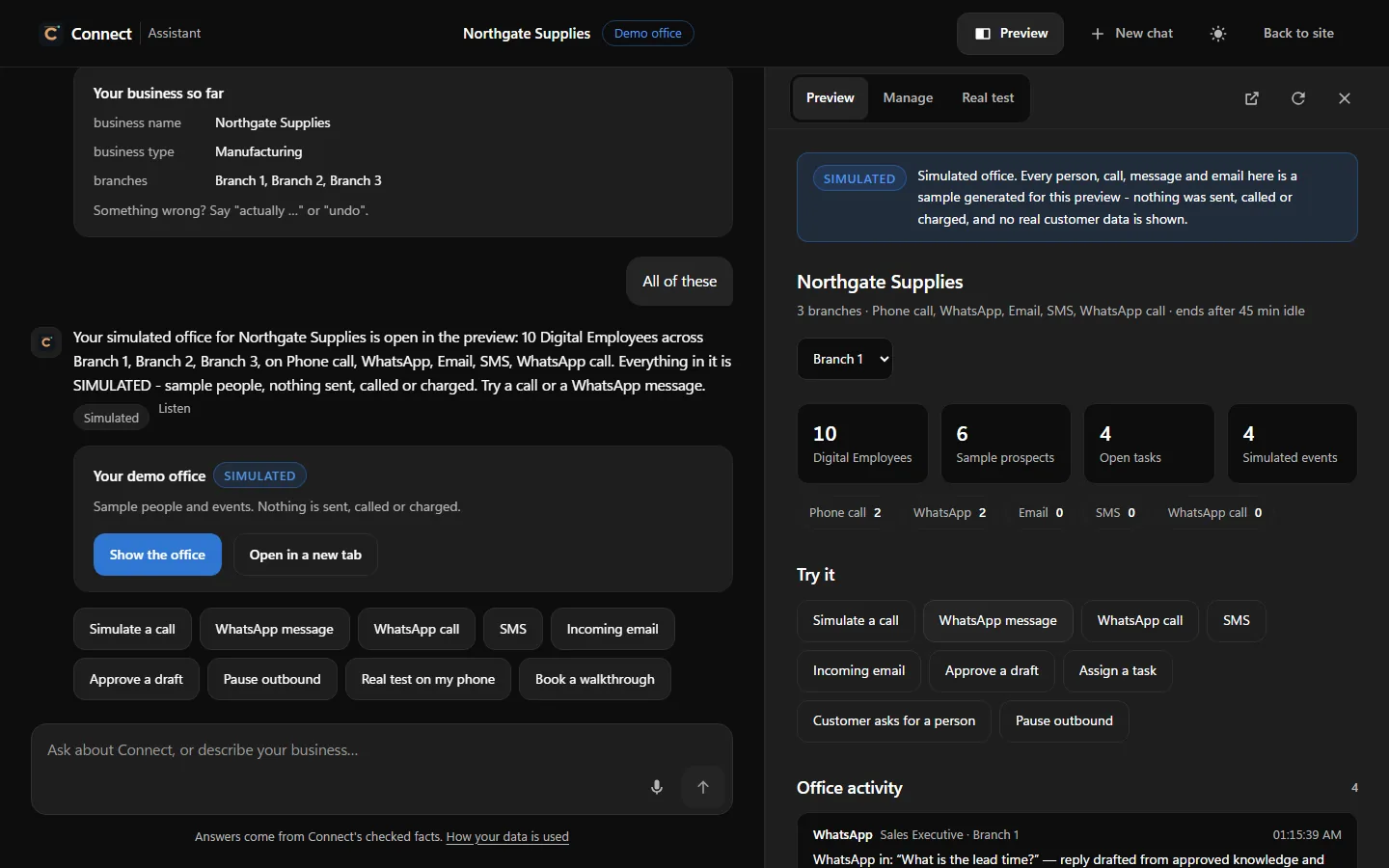
Describe your business and get a recommendation — or have it build a demo office in your browser.
Open the AssistantAfter you verify a work email and WhatsApp number, Connect prepares a private demo workspace around your business.
What a demo coversYour channels, employees, policies and volumes become a written quotation. Nothing is charged to look.
How pricing worksPayment is by a secure link, and your plan activates only after the payment is verified on our server.
Read the termsYour demo workspace becomes your production workspace. Outbound work waits for your approval until you widen permissions.
Start with a pilotBefore you connect
Understand the work, the control and what happens next.
What a walkthrough coversConnect by JBRH is your Connect Cloud Office: one system for prospect research, customer conversations, follow-ups and ongoing support. It maintains the work around each relationship using your approved knowledge, rules and permissions.
Connect brings communication and customer work together. It keeps contacts, companies, conversation history, promises and next actions connected so the person handling the next interaction has context. It also prepares or carries out the actions you permit.
You choose the operating mode for supported workflows. Draft prepares work for you. Review & Act waits for approval. Autonomous can act within your configured rules and permissions. Actions outside those boundaries require your judgement.
Connect works with supported business mailboxes, configured phone lines and connected WhatsApp business accounts. Setup, provider requirements and your plan determine the exact workflows available. We confirm these against your business during the walkthrough.
Connect can support qualification, explain products using approved knowledge, coordinate demo next steps and maintain its contact, company and opportunity records. Employees can also work with HubSpot, Salesforce, Zoho CRM and Pipedrive through tested, encrypted connections, and with other systems through a REST API or an MCP server. Two-way sync with an ERP or CRM is scoped in an Enterprise quotation.
No. Employees are AI identities that Connect discloses as automated. Each has a role, a scope and written permissions, and none may impersonate a person. The portraits on this page are illustrative.
Yes. The AI provider is chosen per feature, a feature can be turned off, and a local model is supported for work that should stay private. AI work is metered under a hard cost ceiling. Fine-tuning and private deployment are scoped in an Enterprise quotation.
Connect uses the knowledge you approve. Questions needing missing knowledge, unsupported promises or additional authority are escalated to Needs You with the relevant context, so you can make the decision.
Commercial terms follow JBRH-approved pricing policies based on your operational scope, required capabilities, and verified business value. Standard in-policy configurations are priced directly; custom exceptions undergo authorized owner review. Applying for a personalized demo or requesting an evaluation costs nothing and requires no payment details.
The Privacy Center explains how website, account, mailbox and enquiry information is handled. The Trust Centre covers data rights, retention, acceptable use and security.
Explore Solutions
Each page walks the same loop through one kind of business: the problem, the workflow, the channels, the rules, the deployment and the limits.
Compare all solutionsConnect by JBRH
Connect communicates, remembers, follows through and manages the work around your customer relationships — under your control.
Start with your business. See what fits.
Decide with a clear picture.